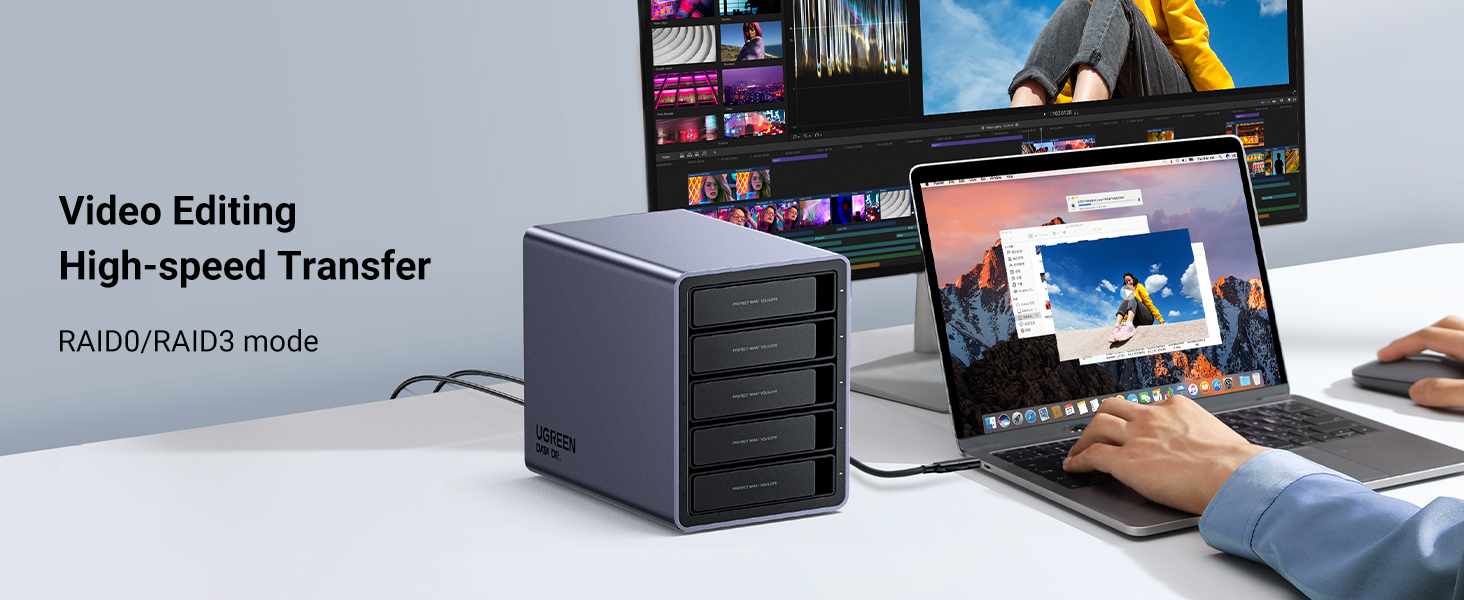
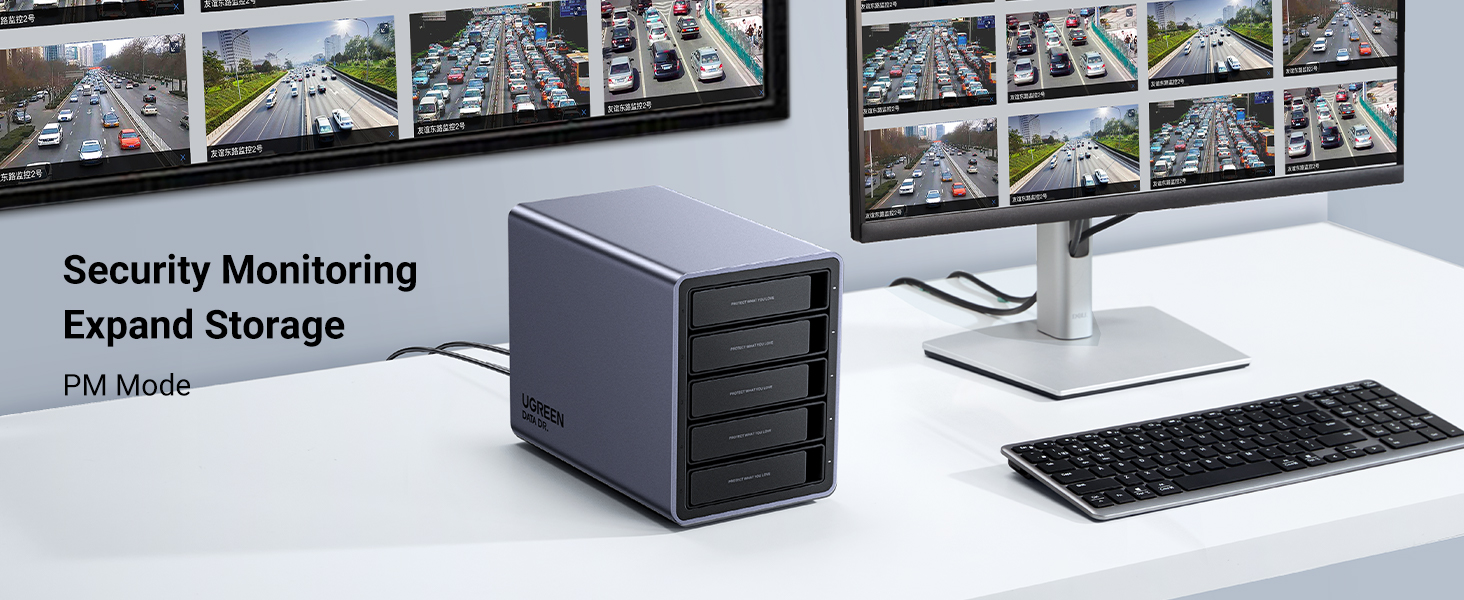
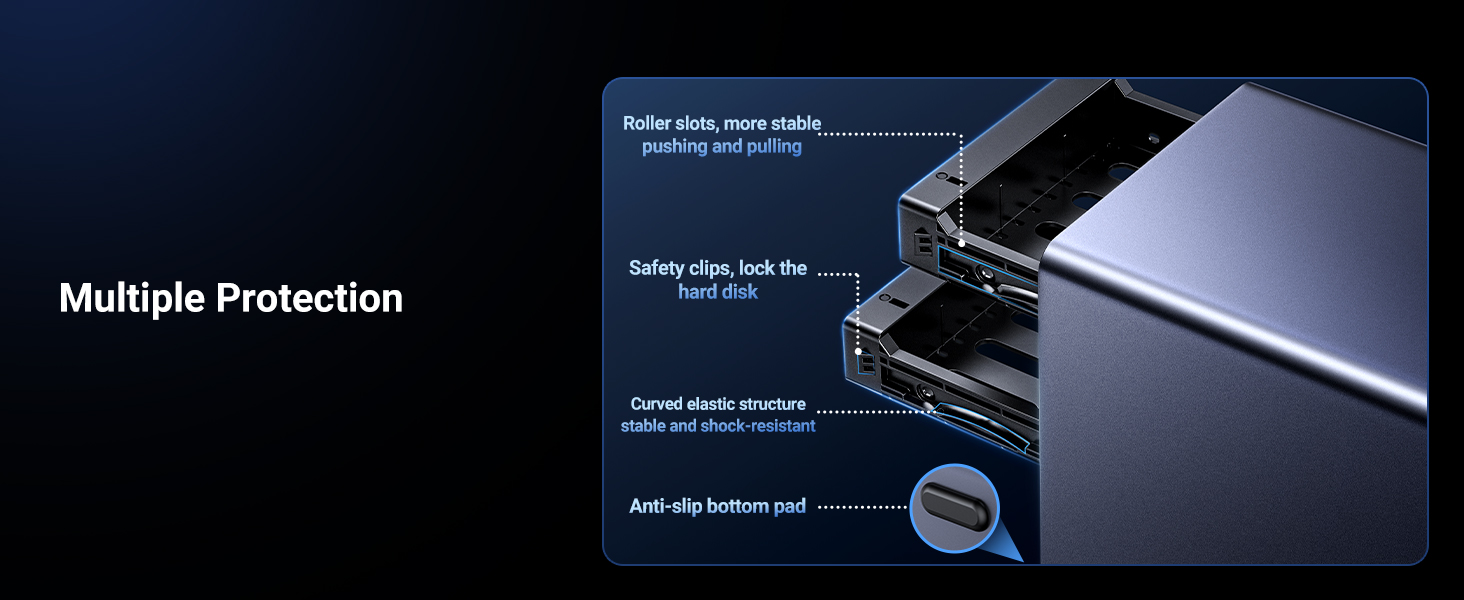
RAID Modes Configurations
Instrucrions before configuring
It is recommended that you use new hard drives of the same capacity.
When switching RAID mode,the enclosure system will format the drive, earsing all existing data.Ensure any important data is backed up prior to switching.
The default mode of the device is PM mode.
Configurations
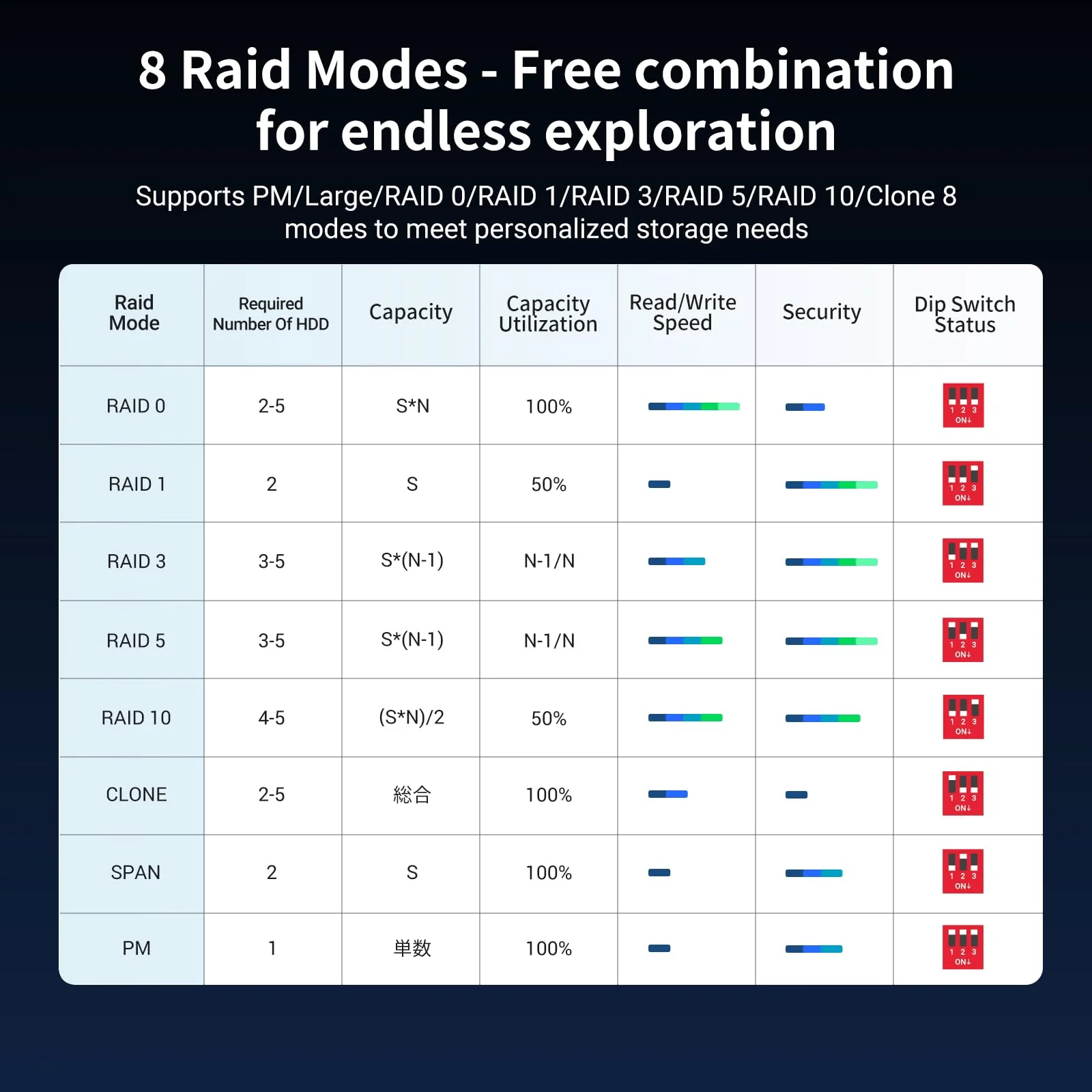
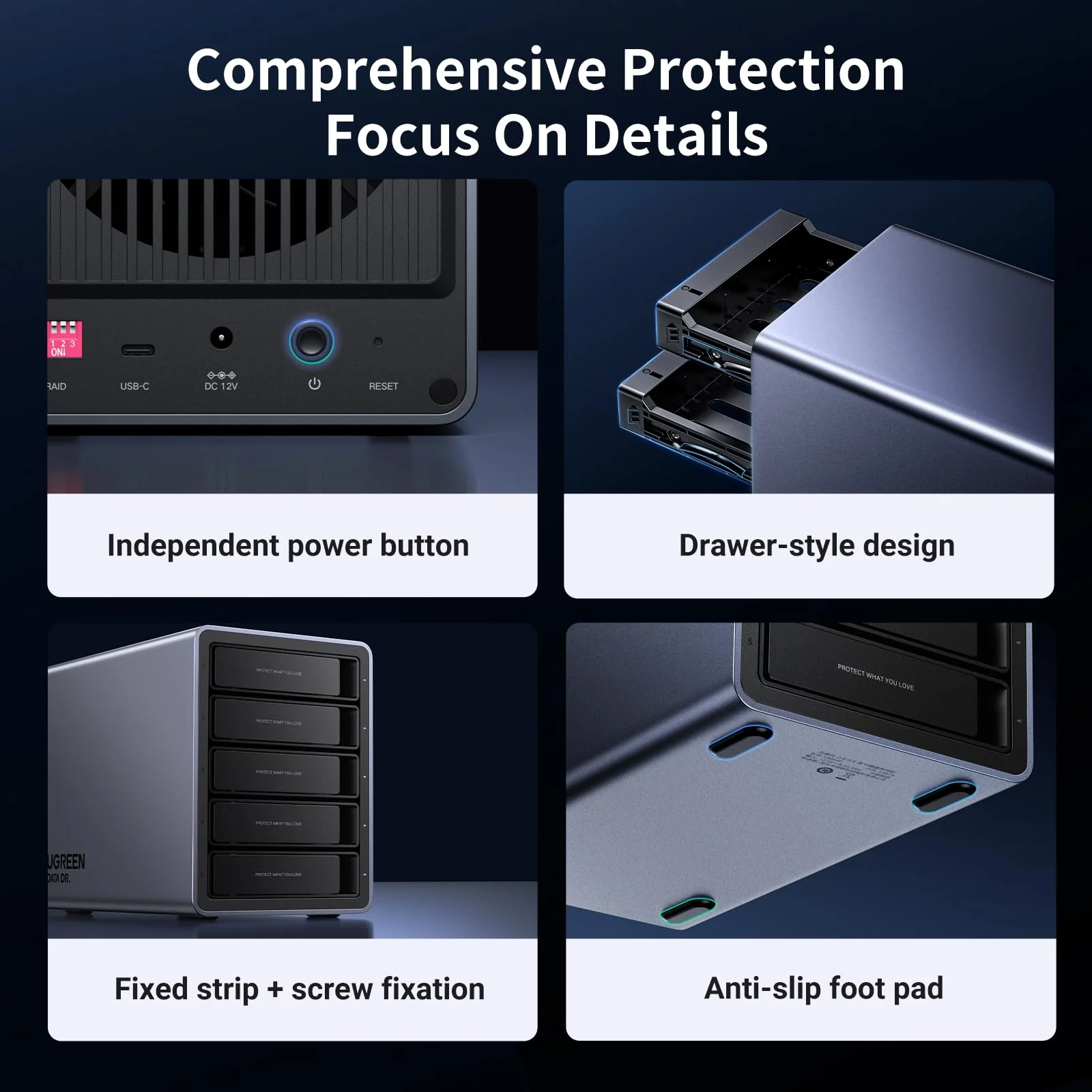
1.Select the RAID mode you prefer based on the "RAID Modes & DIP Switch" table, then switch "1" and "2" to the corresponding positions for selected mode.
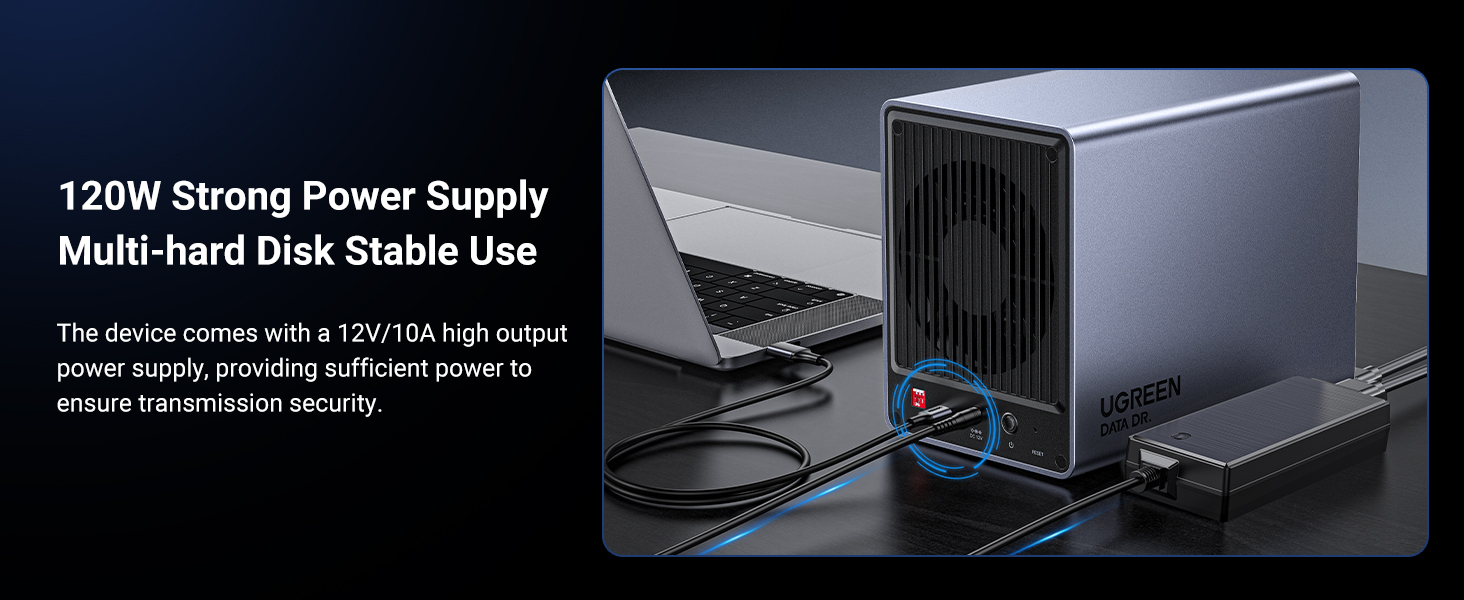
2.Turn on the power button, and use the pin to insert and hold the "REST" hole for about 5s until the white hard drive indicator flashes, indicating that the mode switching is successful.
3.Go to "Computer Management" > "Device Manager" to check the current RAID mode.