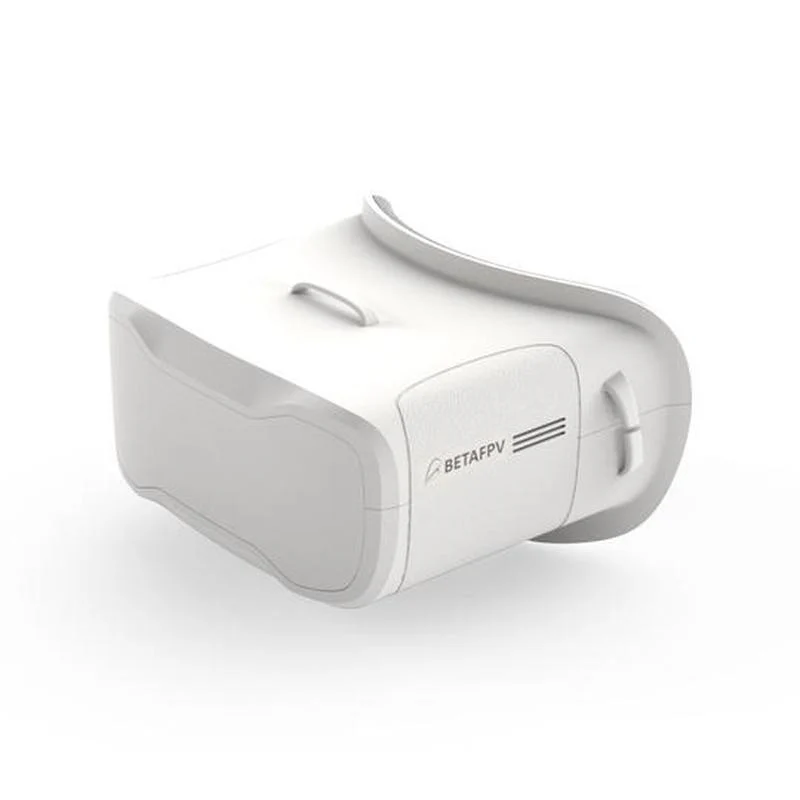
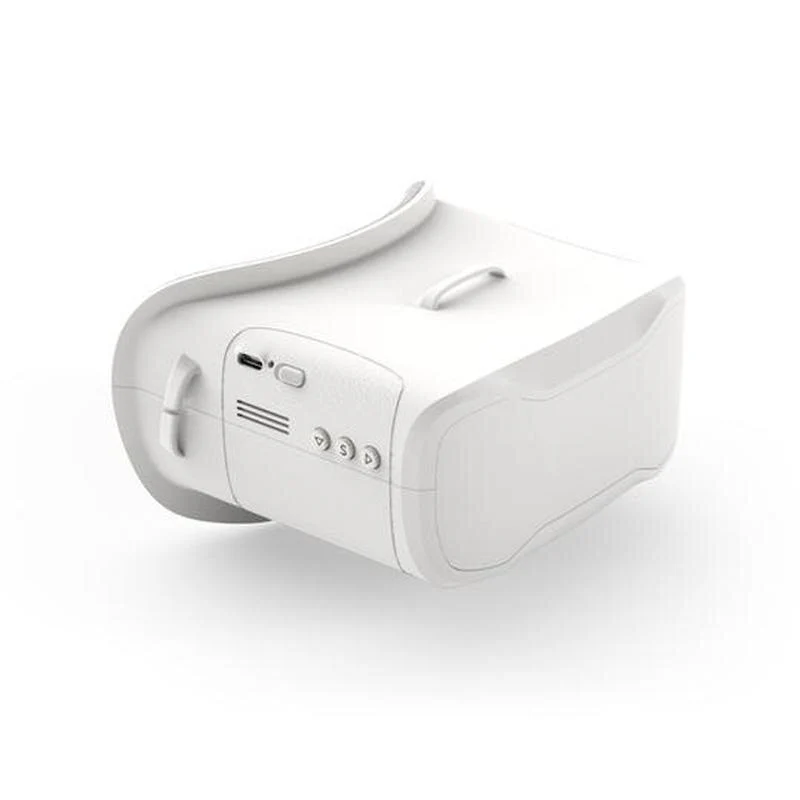
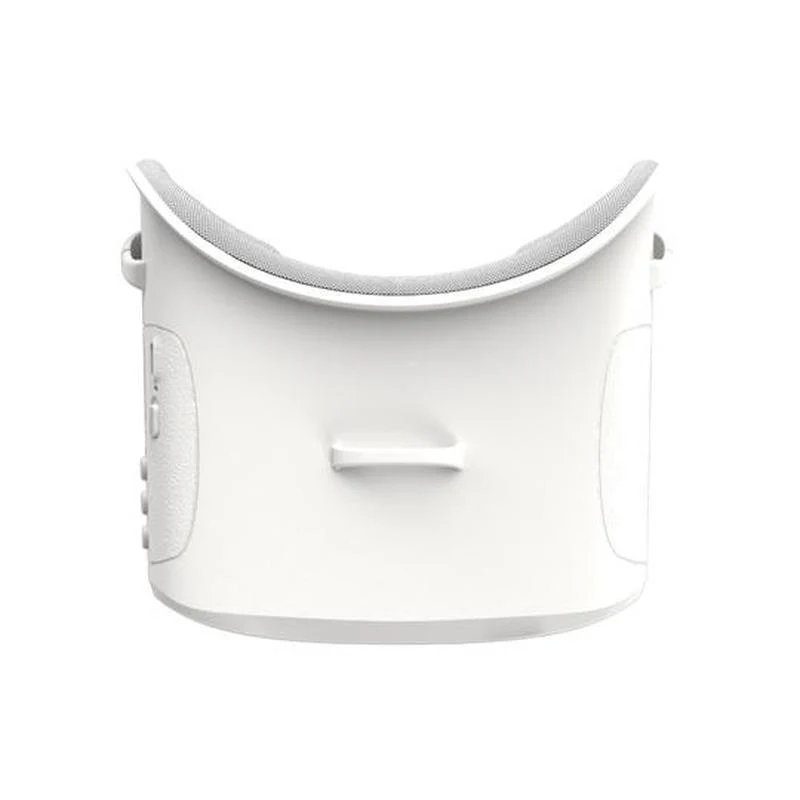
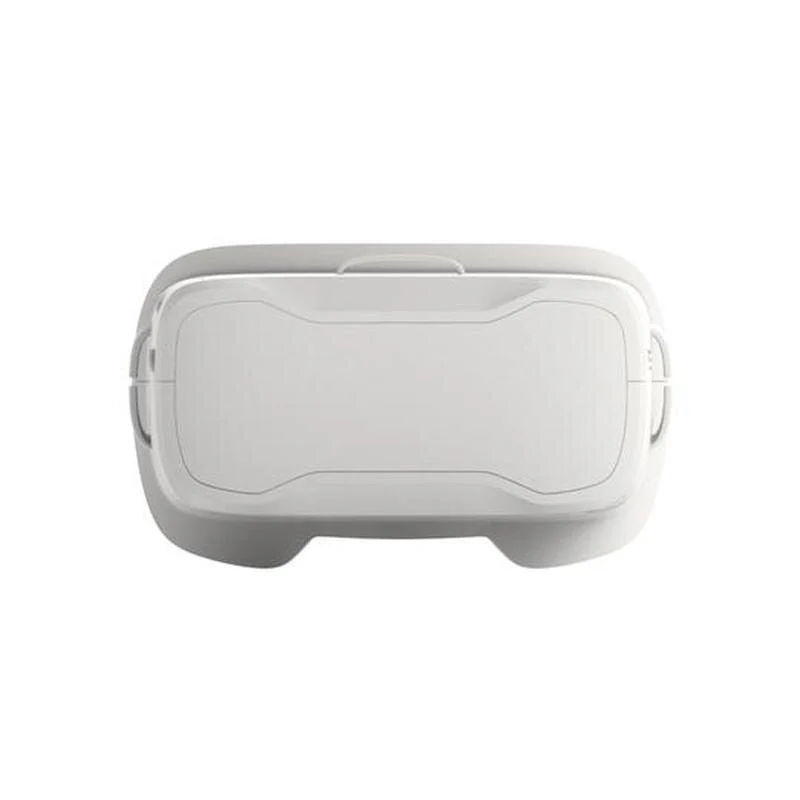
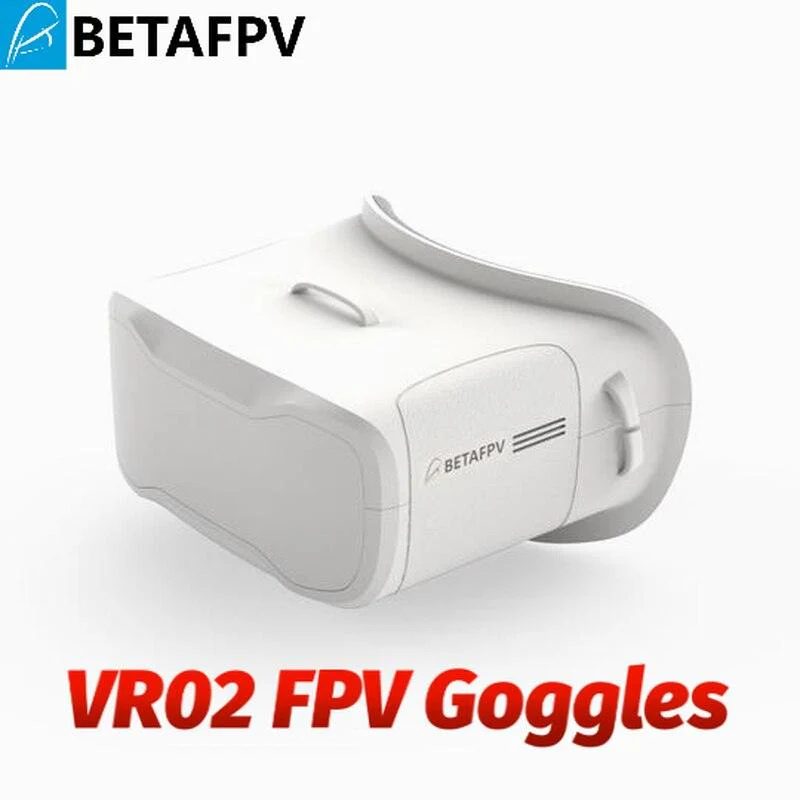
BETAFPV VR02 FPV Goggles - 4.3 inches 800*480px w/5.8GHz 40ch receiver for FPV racing or Model airplanes FPV Glasses
-
Detail
BETAFPV VR02 SPECIFICATIONS
Wheelbase: Screws
Upgrade Parts/Accessories: Adapter
Tool Supplies: Cutting
Technical parameters: Value 2
Size: As description
Remote Control Peripherals/Devices: Remote Controller
Recommend Age: 12+y
RC Parts & Accs: Antennas
Quantity: 1 pcs
Origin: Mainland China
Model Number: BETAFPV VR02 FPV Goggles
Material: EVA
Four-wheel Drive Attributes: Assemblage
For Vehicle Type: Airplanes
BETAFPV VR02 FPV Goggles 4.3 inches 800*480px w/5.8GHz 40ch receiver for FPV racing or Model airplanes

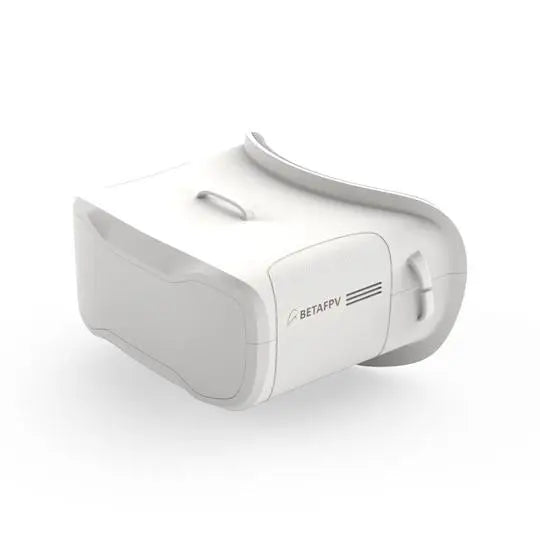
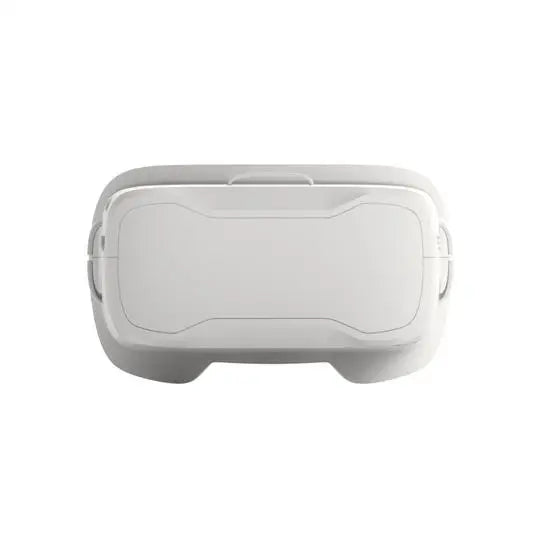
BETAFPV VR02 FPV Goggles-a First-Person-View Goggle that is specially designed for FPV starters. With 4.3 inches 800*480px high brightness LCD, you can experience a bright world without warped and blurred images. It also adopts an ergonomic design with a foam sponge faceplate and a three-sided adjustable headband, with lightweight only 300g, it's very comfortable when you wear it to enjoy the FPV world.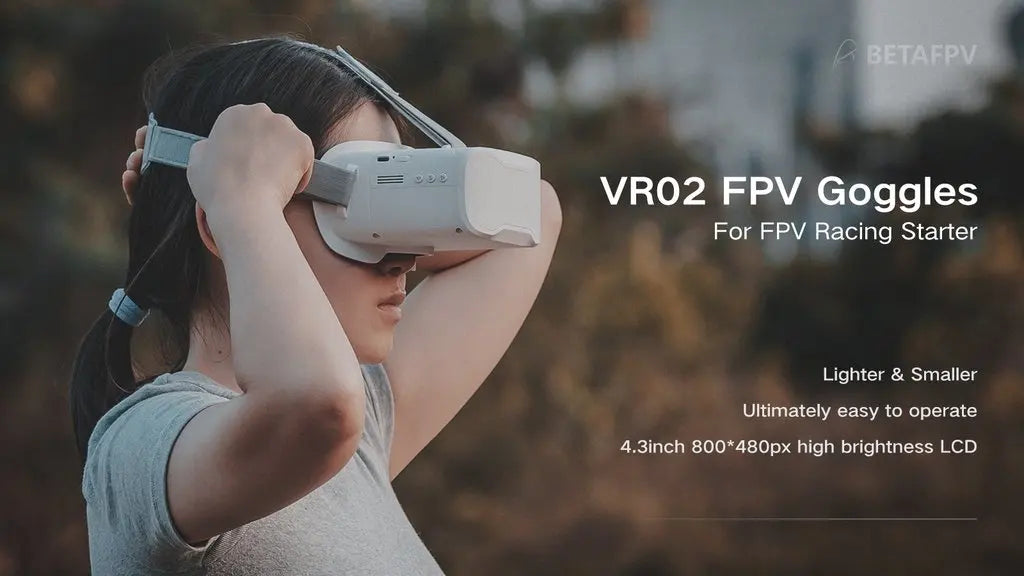
Goggles For FPV Racing Starter Lighter & Smaller Ultimately easy to operate 4.3inch 800*48Opx high brightness LCD .
Bullet Point
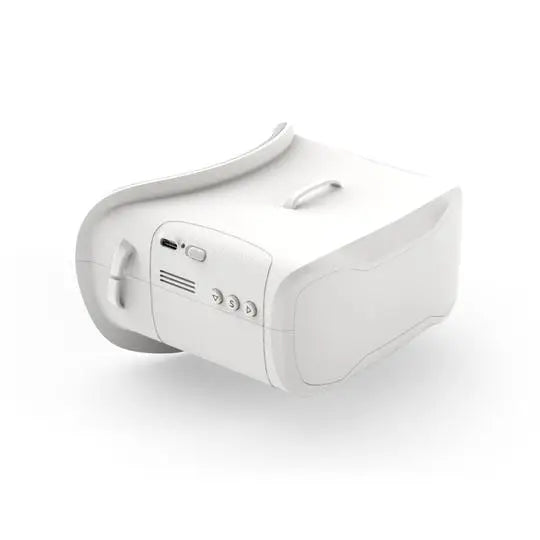
BETAFPV VR02 FPV Goggles is specially designed for FPV starters. With the built-in antenna and 3 compact operation buttons, the VR02 goggle maintains a 300g lightweight and easier to operate.
With 4.3 inches 800*480px HD high brightness LCD, which is specially tuned for FPV racing or Model airplanes.
Upgraded the Frequency sweep function and the fast frequency auto-search function(Only 2.5 seconds fast frequency search), pilots can easily find a stronger Band to get a better flight experience.
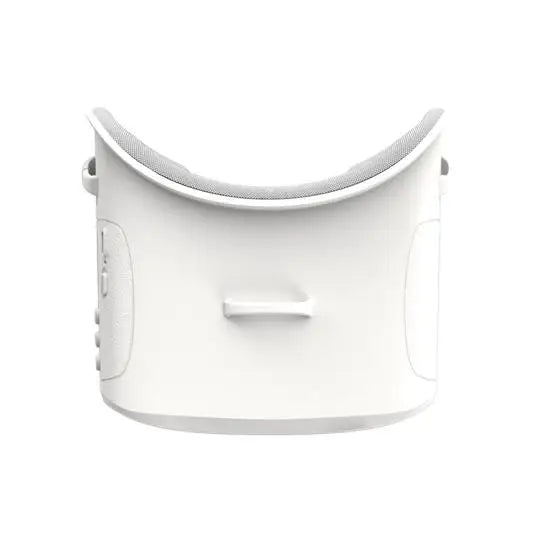
Adopt an ergonomic design with a foam sponge faceplate and a three-sided adjustable headband, this FPV Goggles fits your face and head perfectly.
Built-in super sensitiveness 5.8GHz 40ch receiver, especially with RaceBand.
Come with an advanced auto-searching function and show you the working frequency on screen.
Specification
BODY
Dimension: 126x143x86.3mm
Weight: 300g with 2hr 2000mAh battery
Belt: Three-Ways adjustable belt
SCREEN
screen size: 4.3 inch
Screen resolution: 800*480 px
Screen brightness: 300cd/m2
View Angle: 55°
JACK
Type-C Charging
Voltage: 3.7V, the device operating current of 500mA@3.7V
Current: 500mA
BATTERY
Built-in 3.7V/2000mAh high-capacity polymer battery, LED turn on while charging. When charging is completed, the LED will turn off.
Each full charge revive is around 2 hours working time
Band and Channel Selection
BETAFPV VR02 FPV Goggles has a frequency sweep function and a fast frequency auto-search function, it will help pilots find a stronger Band to get a better flight experience.
The frequency sweep function can display the occupancy status of each channel in the current space so that pilots can fly with a better Band and enhance the flight experience.
How to use the frequency sweep function?
After powering on, short press the "S" button to enter the sweeping interface, as shown below. Pilots can change the Band via the "Band+" and "Ch+" button.
Ban Status Indicator
Green 0
Yellow 20<RSSI<70, there is a drone occupying the Band far away, or there is interference
Red 70<RSSI<99, occupied
White current Band(highest RSSI in the sweep result)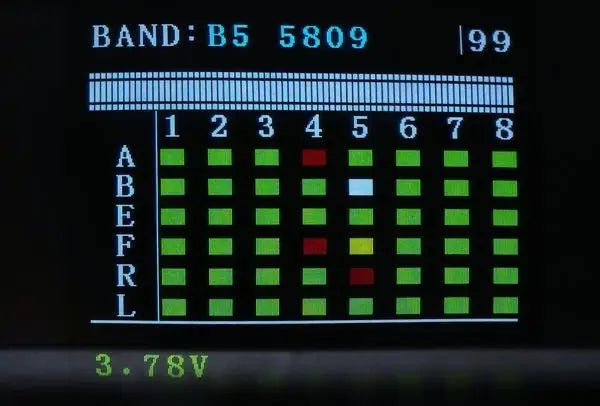
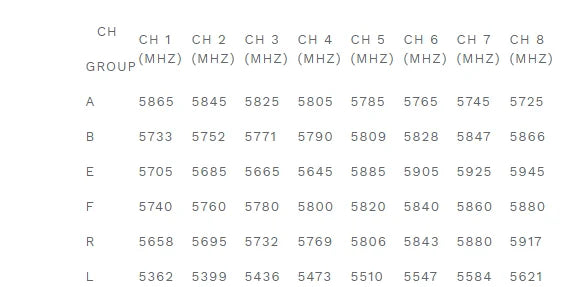
Pilots can also use the fast frequency search function, it is faster and easy to find a stronger Band.
How to use the fast frequency search function?
After powering on, press and hold the "S" button for 1 second to start the frequency auto-search. The frequency auto-search process is 2.5 seconds. After the frequency auto-search is over, it will beep twice and jump to the corresponding Band of the drone.
Operation Instructions
KEY
Power On/Off
Default mode, Flick to the left to turn off, and to the right to turn on, the screen will light up after a normal boot.
Band+
Default mode, Short press for Band+ option A, B, E, F, R, L cycle selection.
Search
Default mode, After powering on, short press the "S" button to enter the sweeping interface. Press and hold the "S" button for 1 second to start the frequency auto-search.
CH+
Default mode, Short press for CH 1~8 cycles.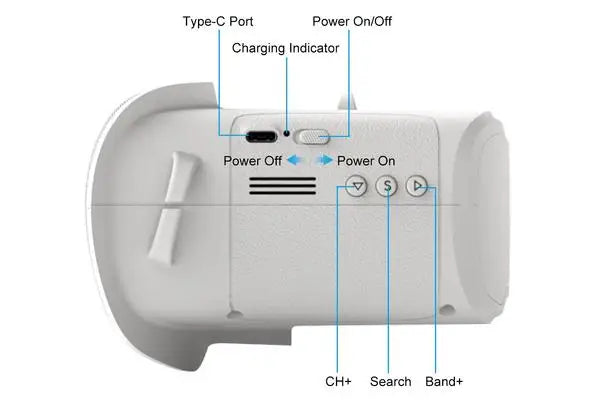
Package
1 * VR02 FPV Goggles
1 * Adjustable Headband
At BETAFPV, we're dedicated to crafting top-notch products for the drone community. Our mission is to make high-quality FPV (first-person view) goggles accessible to everyone, regardless of experience level or budget.
-
Customer ReviewsNo comments