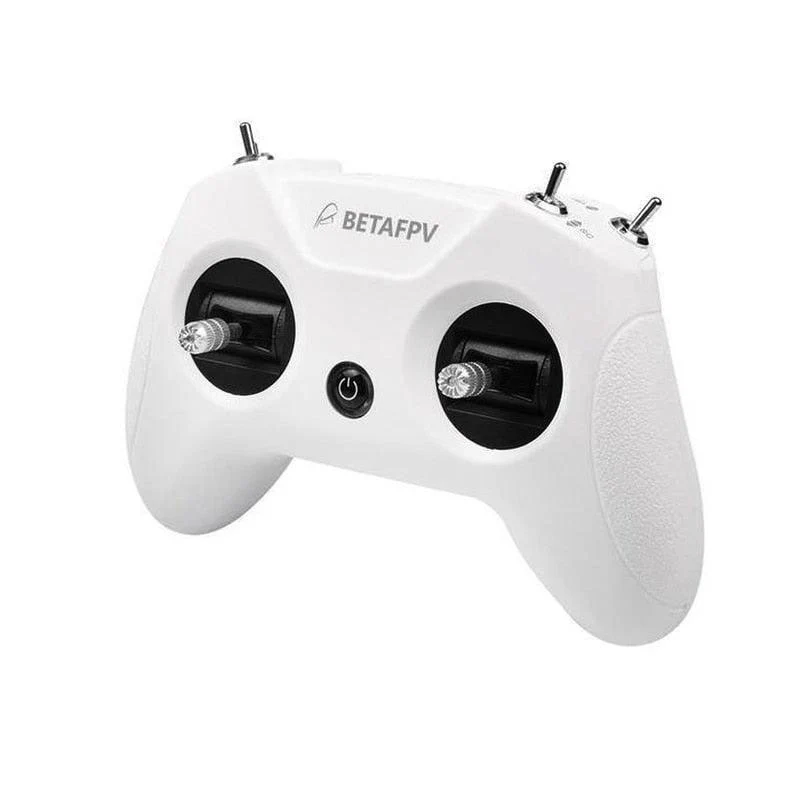

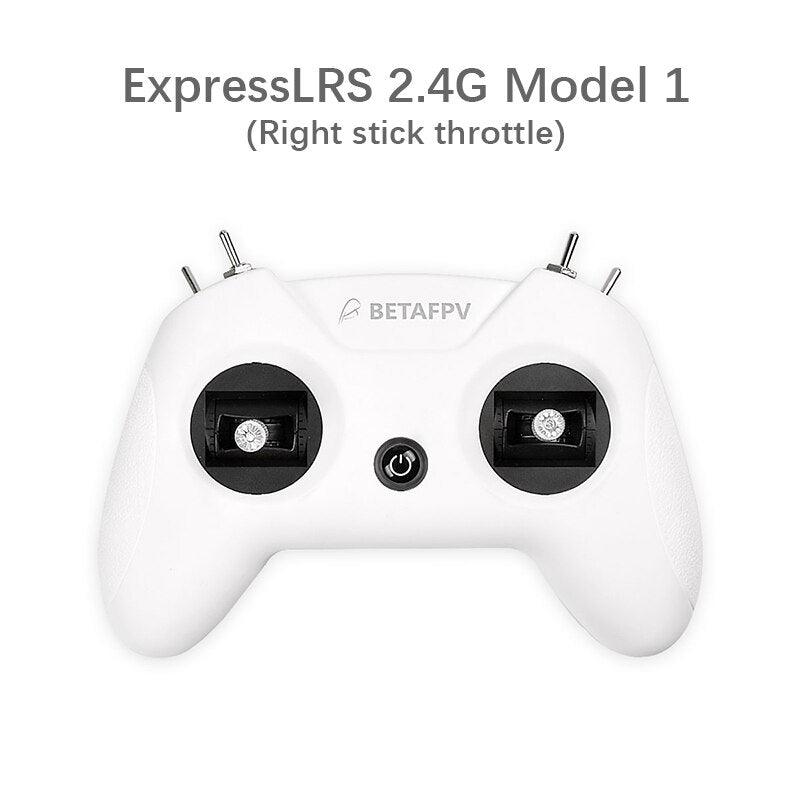
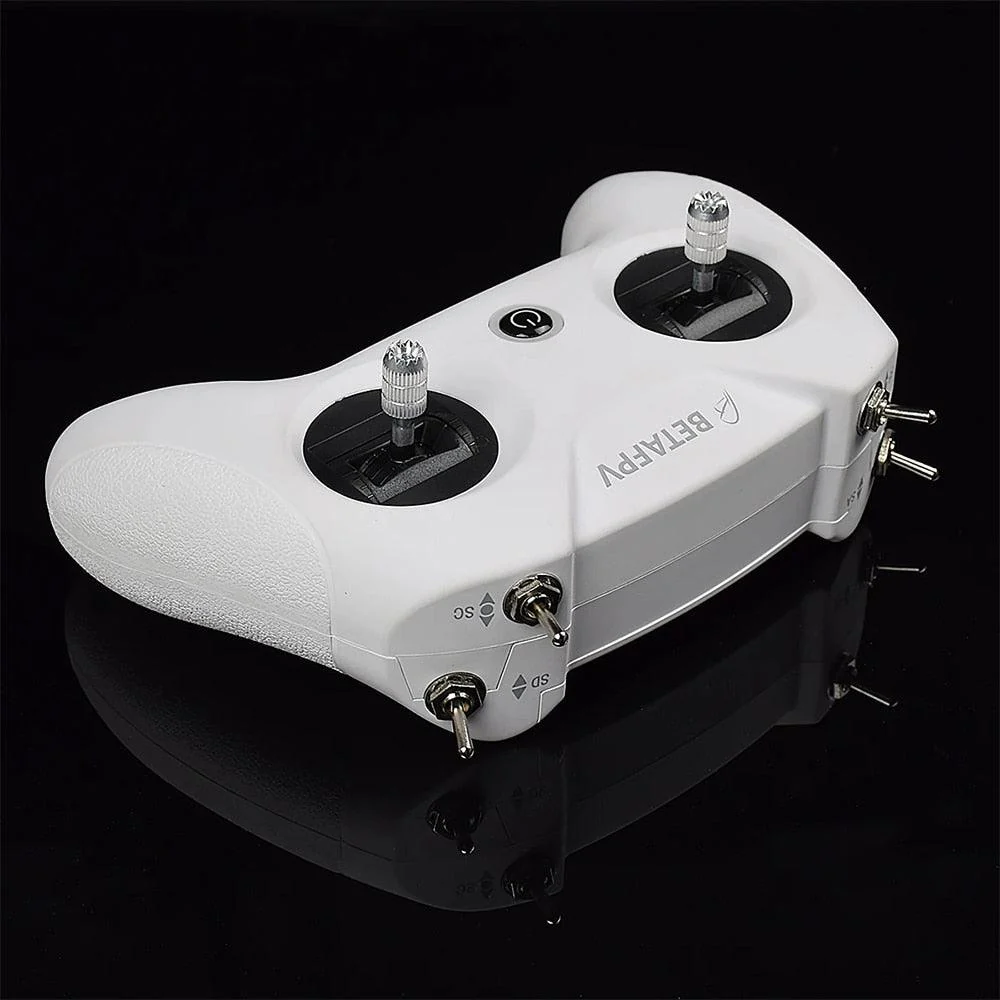
BETAFPV LiteRadio 2 SE Radio Transmitter Remote Control - Support Frsky Bayang Futaba for BetaFPV Cetus FPV Racing Whoop Quad
-
Detail
SPECIFICATIONS
Use: Vehicles & Remote Control Toys
Tool Supplies: Assembly Category
Technical parameters: Value 2
Size: as show
Remote Control Peripherals/Devices: Receivers
Recommend Age: 12+y
RC Parts & Accs: Transmitters
Quantity: 1 pcs
Origin: Mainland China
Model Number: BETAFPV LiteRadio 2 SE Radio
Material: Composite Material
Four-wheel Drive Attributes: Assemblage
For Vehicle Type: Airplanes
Certification: CE
Certification: RoHS
Certification: FCC
Brand Name: BETAFPV
BETAFPV LiteRadio2 SE
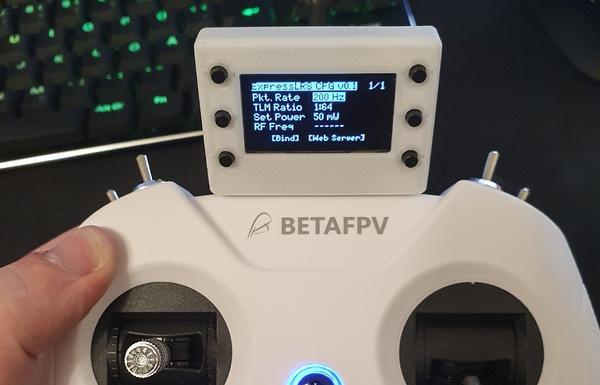
Popular ExpressLRS 2.4G raido link protocol version is available for option now. Besides, this version supports BETAFPV Configurator which is a utility disigned to simply updating, configuring and tuning the radio controller.
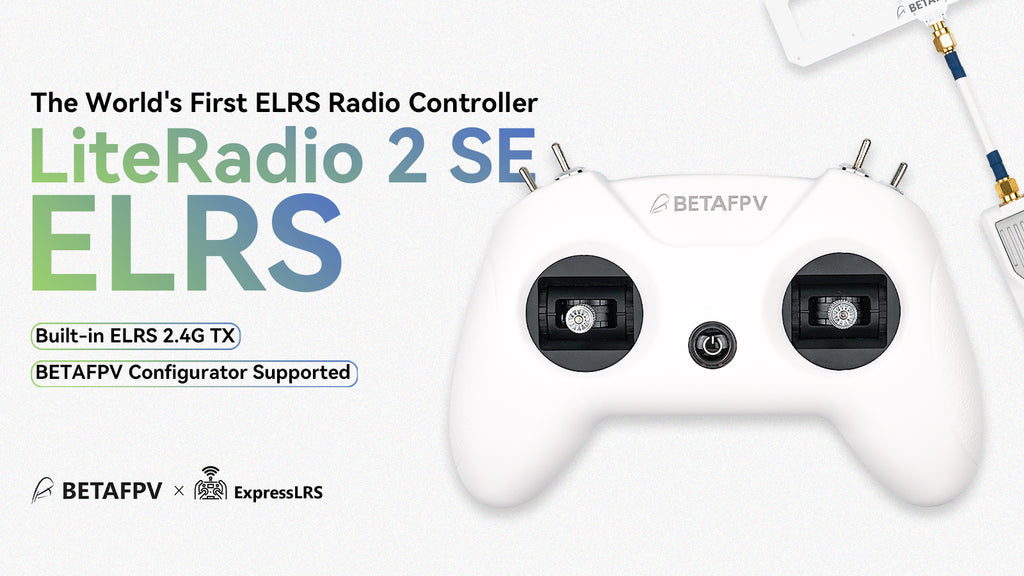
LiteRadio 2 SE Radio Transmitter is the upgraded version based on LiteRadio 2 and comes with huge improvements.
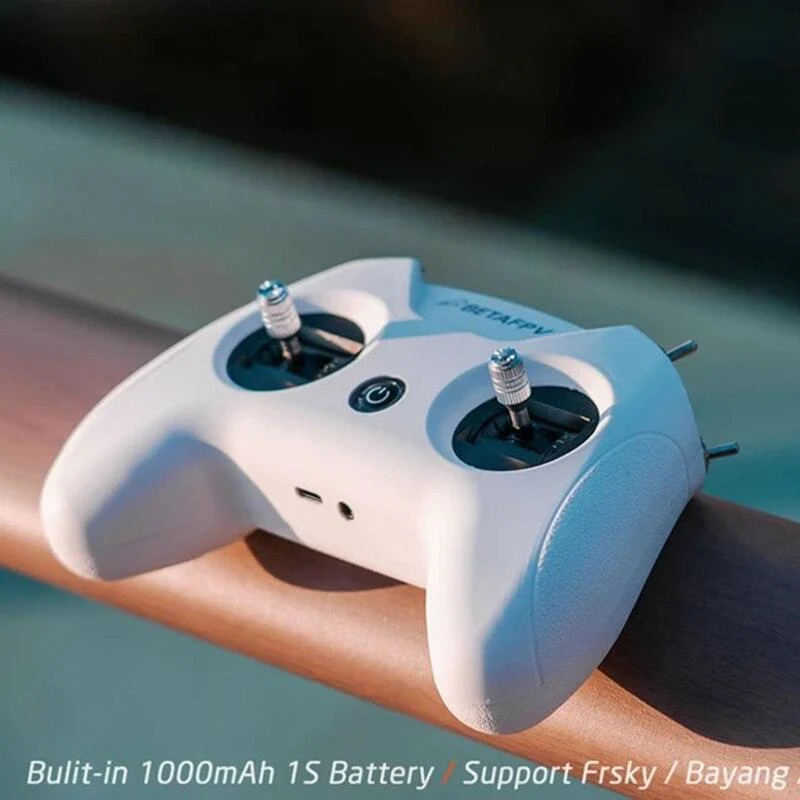
Built-in 1000 mAh 1S battery, LiteRadio 2 SE increases the endurance to 8 hours.
Updates with BETAFPV self-developed LiteRadio System. Pilots can directly operate the Joystick Calibration and Upgrade Firmware on the radio transmitter.
Supports the Frsky / / Bayang, pilots can easily change Futaba, Frsky D8, Frsky FCC D16, and Frsky LBT D16 mode via the radio transmitter.
Comes with 100mW transmitting power, LiteRadio 2 SE brings a wider operating range.
Please kindly note: D16 (FCC&LBT) protocol currently does not support the receivers with ACCST 2.0 firmware or higher, and it can only bind with ACCST 1.X firmware version XM+ receivers.
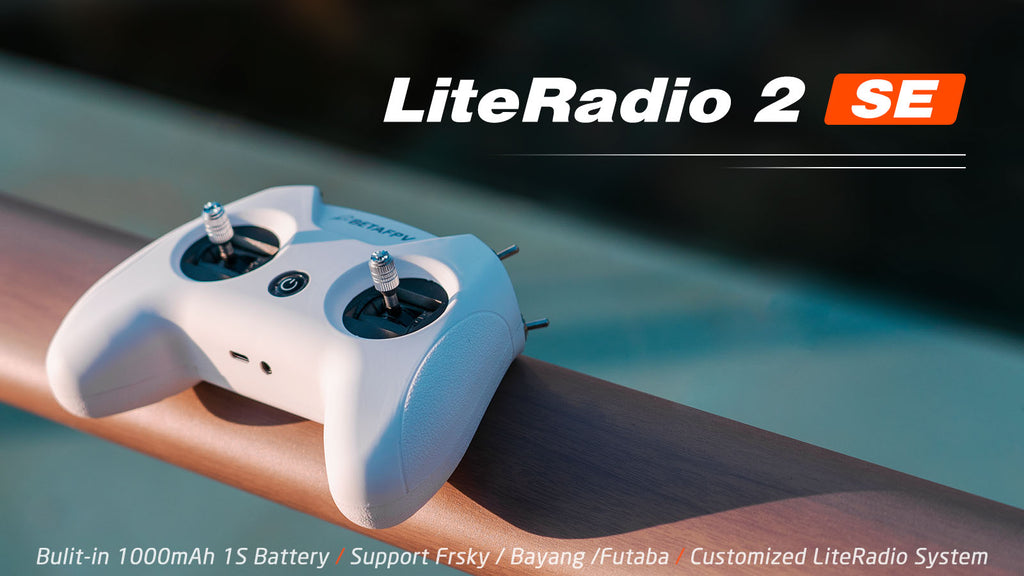
LiteRadio 2 SE Bulit-in 1OOOmAh 1S Battery Support Frsky Bayang /Futaba Customized Lite Radio
Bullet Point
LiteRadio 2 SE upgrades with BETAFPV self-developed Customized LiteRadio System. Pilots can directly operate the Joystick Calibration and Firmware Update on the radio transmitter, which is more convenient for the beginner racer to operate.
Equipped with a built-in 1000 mAh 1S battery, LiteRadio 2 SE can use up to 8 hours, bringing an excellent endurance performance.
Comes with a built-in charging module, LiteRadio 2 SE can support USB charging which is more convenient to use. Meanwhile, it designs a Low-Power warning to indicate a low battery. While it needs to be re-charged(when the voltage is lower than 3.5V), the LED will turn red first, then it will turn blue and flash slowly.
Compared with the LiteRadio 2, LiteRadio 2 SE has a larger transmitting power that can reach 100mW, bringing a wider operating range.
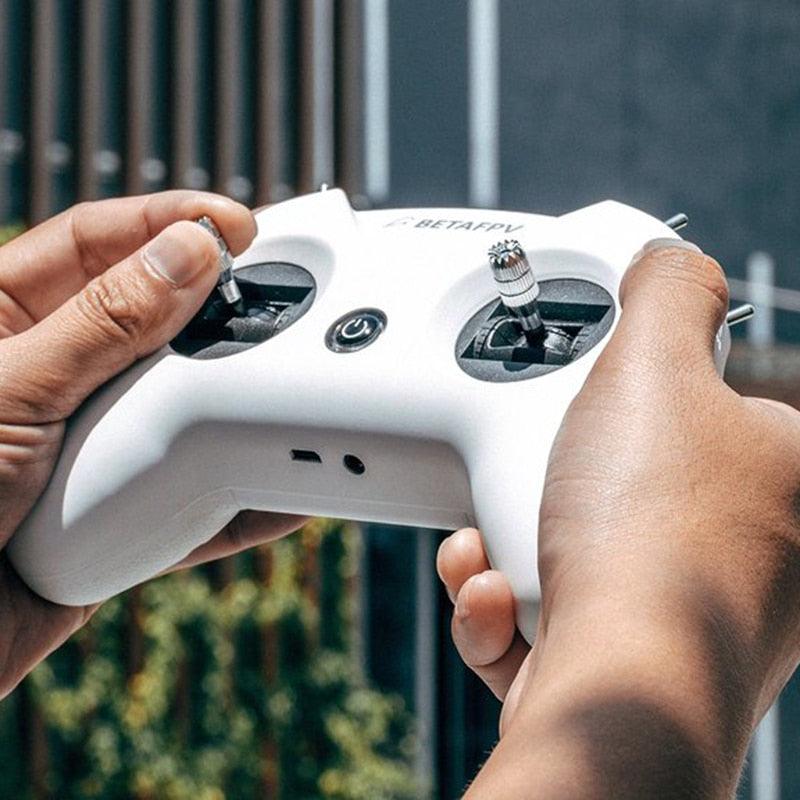
Adopted the rubber coat, LiteRadio 2 SE is ergonomic and has the shape of a gaming controller. It's comfortable to hold, and the anti-slip texture on the handles allows for a solid grip.
This radio transmitter acts as a USB Joystick when connected to a personal computer. So you could use it to play FPV simulators like EREADRONE.
LiteRadio 2 SE transmitter has been equipped on the Ready-to-Fly FPV whoop racing advanced kit 2 and FPV whoop racing starter kit 2. It is one of the easiest ways to get into the FPV hobby.
Specification
Item: LiteRadio 2 SE
Color: White
Frequency Range: 2.4G (2403MHz-2447MHz)
2.4G System: NRF24L01 / CC2500 / SX1280
Channel: 8
Support Protocol: Bayang / Futaba S-FHSS / Frsky FCC D16/ Frsky LBT D16 / Frsky D8 / ExpressLRS 2.4G
Power: ≤100mw
Adapted Drone Type: Multirotor
Support USB Charging / Firmware Update
Support BETAFPV Simulator Connected / Customized LiteRadio System / Joystick Calibration
LED Light: Green-Power On / Red-Warning if the voltage is lower than 3.5V / Blue-Normal
Battery: Built-in 1000mAh 1S Battery
Charging Connector: USB 3.0 Type-C
BETAFPV Configurator
BETAFPV Configurator is utility designed to simplify updating, configuring and tuning the radio transmitter.
Download address: https://github.com/BETAFPV/BETAFPV_Configurator/releases
Function of BETAFPV Configurator is list below.
Basic radio controller setup, like mode switch, turn on/off RF modules.
Full function of the ExpressLRS configuration, like outpower, packet rate etc.
Channel mixer for fix wing drones.
Firmware update.
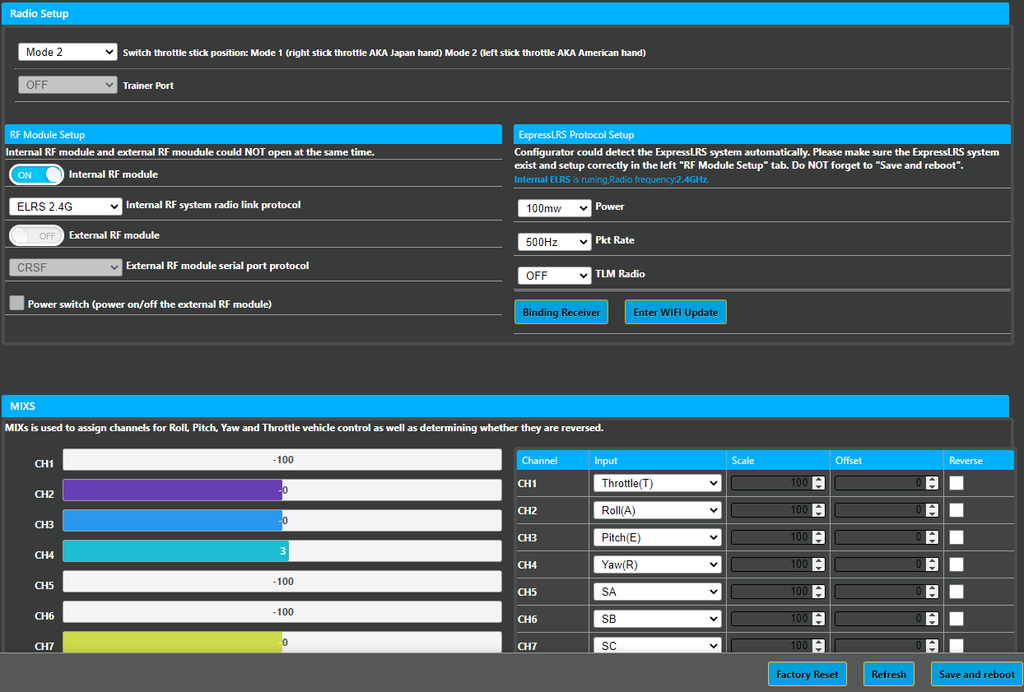
Configurator could detect the ExpressLRS system automatically . please make sure the expressLRs system Gxist and sctup cowecuv the Icft "RF Module Sctup"
Only the radio controller ExpressLRS 2.4G version supports BETAFPV Configurator nowadays.
How to recognise if your radio transmitter supports the BETAFPV Configurator?
Remove the cover on the back of the transmitter and there is a label, comes with "BETAFPV Configurator Supported".DO NOT power on the transmitter first and connect it to the PC. The USB port is invalid in this situation.
How to switch the protocol
To change protocols (Frsky FCC D16, Frsky LBT D16, Frsky D8, or Futaba S-FHSS), you have to power it off first, then press and hold the bind button while you power it back on. After that, the flash times of the red LED before buzzer alarms will change, and it will indicate which protocol it is on.LED Status
Protocol Version
Flash Once
Frsky FCC D16
(Only supports ACCST 1.X version)
Flash Twice
Frsky LBT D16
(Only supports ACCST 1.X version)
Flash Three Times
Frsky D8
Flash Four Times
Futaba S-FHSS
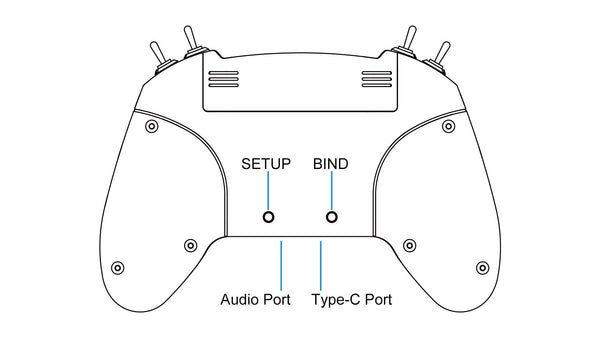
Diagram of LiteRadio 2 SE
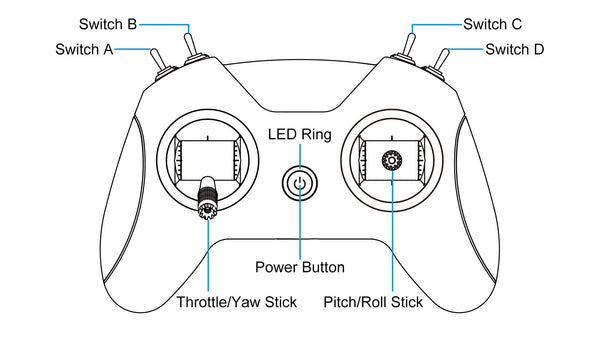
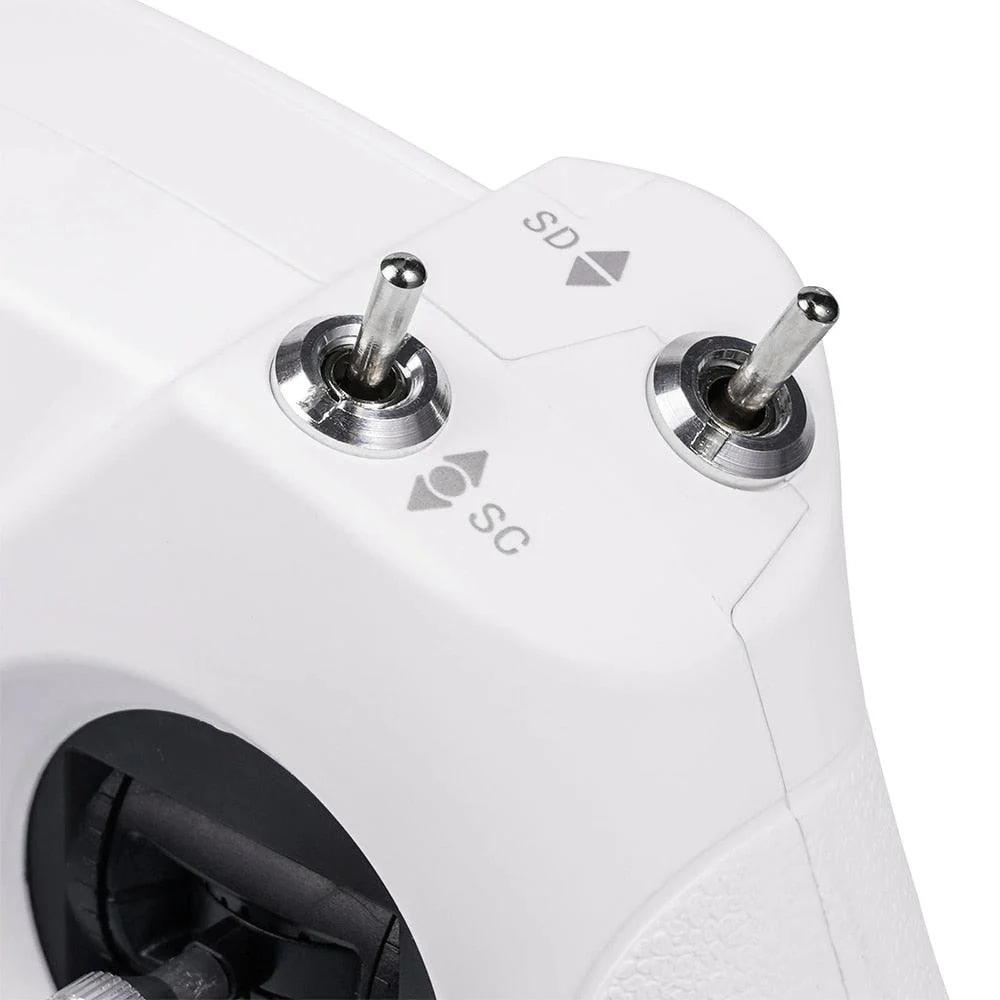
Switch A Switch C Switch Switch D LED Ring Power Button ThrottlelYaw Stick Pitch/Roll
FAQ
Manual for LiteRadio 2 SE Radio Transmitter
How to replace the gimbals of Literadio 2 SE?
For any questions about joystick calibration of the Literadio 2 SE transmitter, please watch the following video to know more.
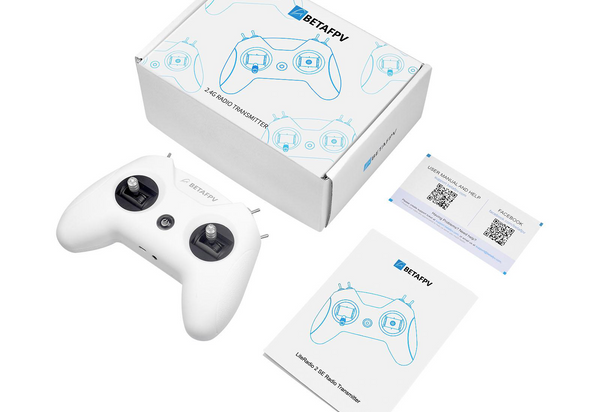
Package
1 * LiteRadio 2 SE Radio Transmitter
1 * User Manual
BETAFPV LiteRadio 3
LiteRadio 3 Radio Transmitter is the newest remote control in the LiteRadio series. This transmitter features an ergonomically designed handle and has superb performance in its working time, newly updated gimbal, and multi-protocol support (Frsky version). Besides, this version supports BETAFPV Configurator which is a utility designed to simply update, configure, and tune the radio controller.
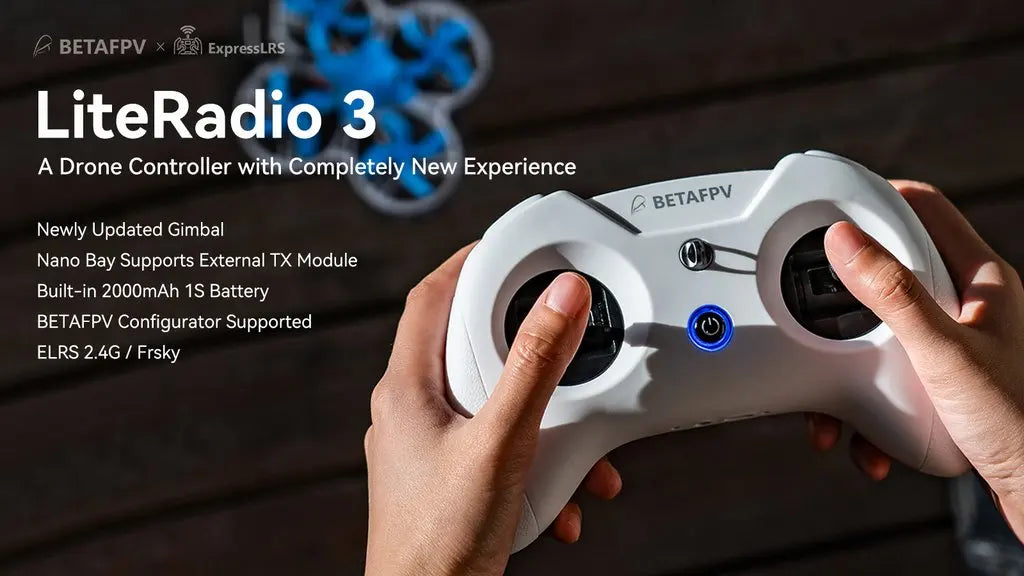
ExpressLRS LiteRadio 3 A Drone Controller with Completely New Experience Newly Updated Gimbal Nano Supports External TX Module Built-in 200OmAh 1S Battery
Download the BETAFPV Configurator.
LiteRadio 3 is a remote control radio transmitter designed primarily for RC models, including multirotor, airplanes. It gives you more than you ever thought possible from an entry-level 8-channel radio.
8 channels in total.
USB Joystick support for most practice simulators.
Nano module bay for external TX module.
Newly designed joystick gimbal for longer usage life.
Support BETAFPV Configurator for updating, configuring, and tuning.
Provide ExpressLRS 2.4G protocol version and Frsky protocol version for option.
Built-in 2000mAh battery and USB charge supported.
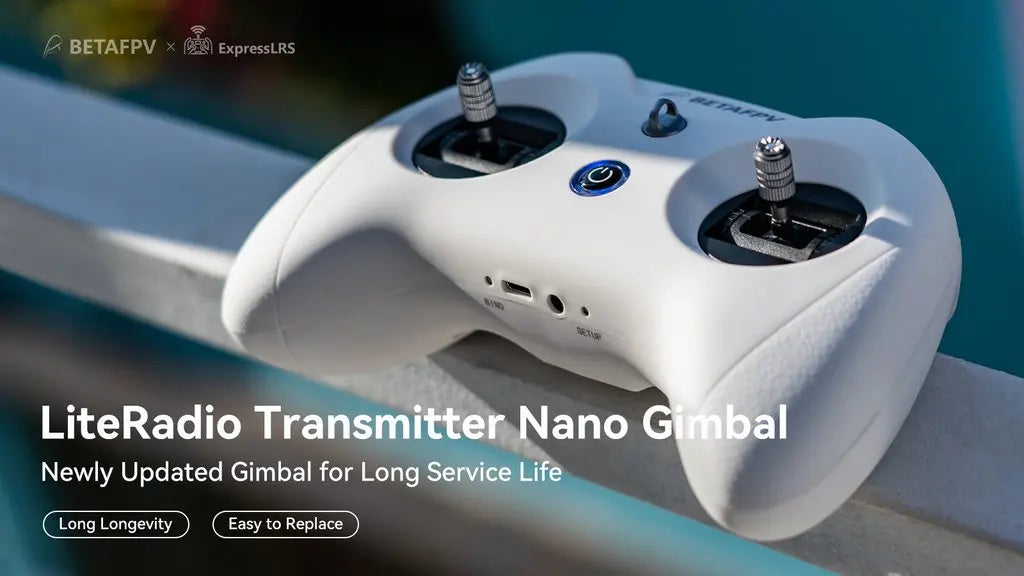
LiteRadio Transmitter Nano Gimbal for Long Service Life Long Longevity Easy to Replace .
Bullet Point
LiteRadio 3 upgrades with BETAFPV self-developed Customized LiteRadio System. Pilots can directly operate the Joystick Calibration and Firmware Update on the radio transmitter, which is more convenient for the beginner racer to operate.
Equipped with a built-in 2000 mAh 1S battery, LiteRadio 3 can work up to 15 hours without an external module, bringing an excellent endurance performance.
Comes with a built-in charging module, LiteRadio 3 supports USB charging which is more convenient to use. Meanwhile, it designs a Low-Power warning to indicate a low battery. It indicates a low battery and needs to be re-charged if the blue light flashes slowly and the buzzer beeps continuously.
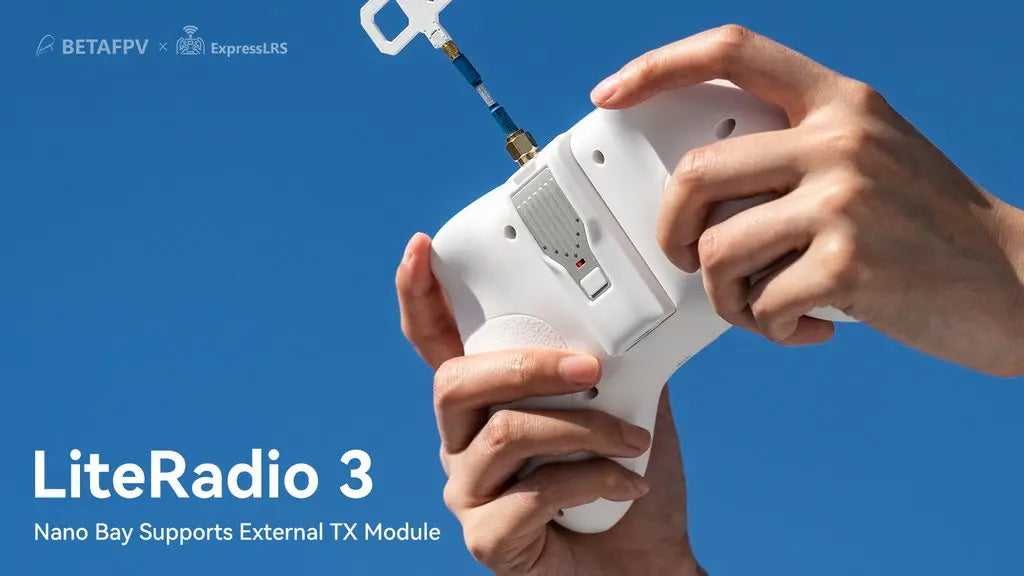
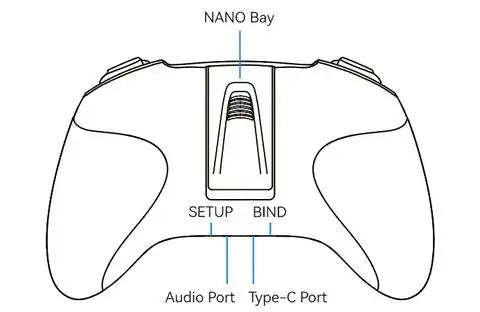
Newly designed with a nano bay, it supports the external TX module. Highly recommend BETAFPV ELRS Nano Module, which is compatible with the LiteRadio 3 radio transmitter and makes CRSF protocol available.
Adopted the rubber coat, LiteRadio 3 is ergonomic and has the shape of a gaming controller. It's comfortable to hold, and the anti-slip texture on the handles allows for a solid grip.
It is the safest and quickest method to get started by using a model practice simulator for starters. LiteRadio 3 radio transmitter supports most of the simulators on market with comprehensive configuration.
Specification
Item: LiteRadio 3 Radio Transmitter
Frequency Range: 2.4G
2.4G System: CC2500/SX1280
Channel: 8
Support Protocol: Futaba S-FHSS/Frsky FCC D16/Frsky LBT D16/Frsky D8, 2.4G
Power: ELRS version 25mW/50mW/100mW, Frsky version 100mW
Adapted Drone Type: Multirotor, Airplane
Support USB Charging / Firmware Update
Support BETAFPV Configurator / Most Practice Simulator
LED Light: Green-Power On / Red-Warning if the voltage is lower than 3.5V / Blue-Normal
Battery: Built-in 2000mAh 1S Battery
Charging Connector: USB 3.0 Type-C
Recommend External TX Module: ELRS Nano TX Module
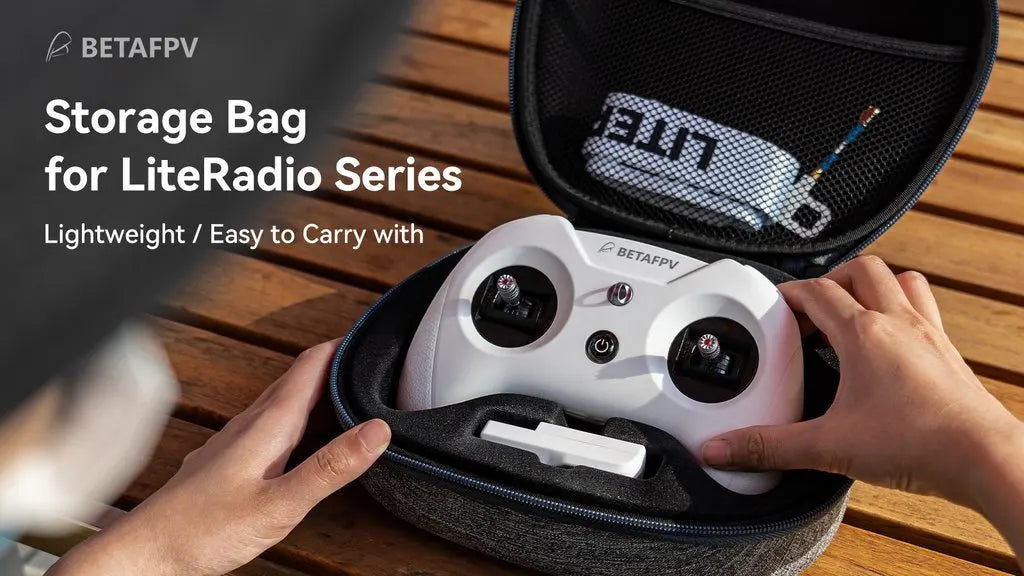
Recommend Accessories: Nano Gimbal for LiteRadio 3, Storage Case, Transmitter Neck Strap
Improvements on LiteRadio 3
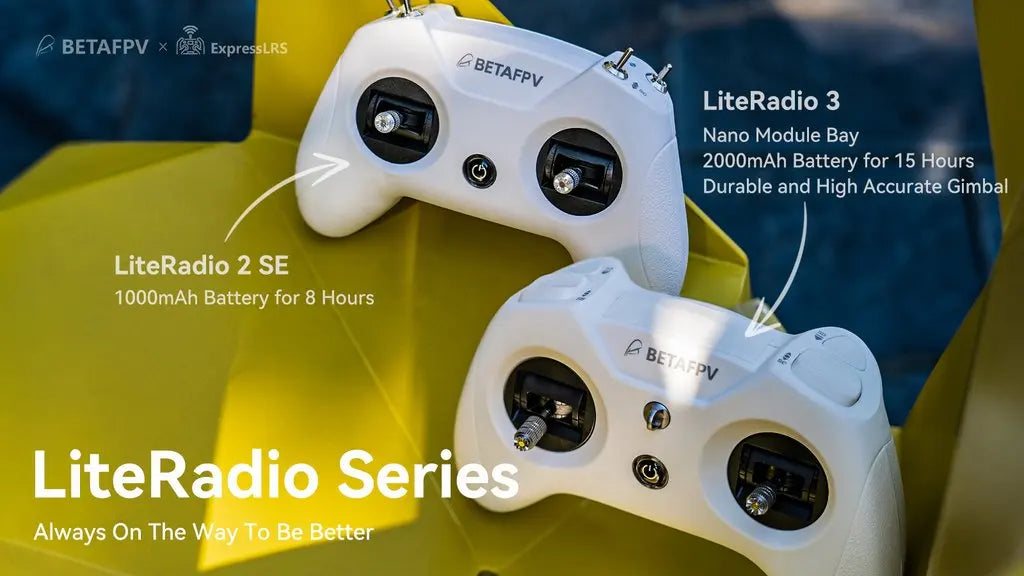
Compared with LiteRadio 2 SE, the LiteRadio 3 is equipped with a 2000mAh 1S battery, bringing an excellent endurance performance up to 15 working hours without an external module. Reserving a nano bay on the backside, it supports an external module for use with ELRS Nano TX Module, which supports CRSF protocol. Moreover, the LiteRadio 3 gimbal is newly updated with an accurate potentiometer and adjustable stick ends.
LiteRadio 3 Transmitter
LiteRadio 2 SE Transmitter
Built-in Battery
2000mAh 1S Battery
1000mAh 1S Battery
Gimbal
Newest durable and accurate gimbal
Orders from Dec. are the same as LiteRadio3
Lanyard Hook
Support
Not Support
BETAFPV Configurator
Support
Orders from Dec. support
Nano Bay for External Module
Support
Not Support
Note: The LiteRadio 2 SE ordered from December supports the BETAFPV configurator. At the same time, the LiteRadio 2 SE gimbals are the same as LiteRadio 3 for orders from December. For orders before December, we highly recommend buying new gimbals as an update.
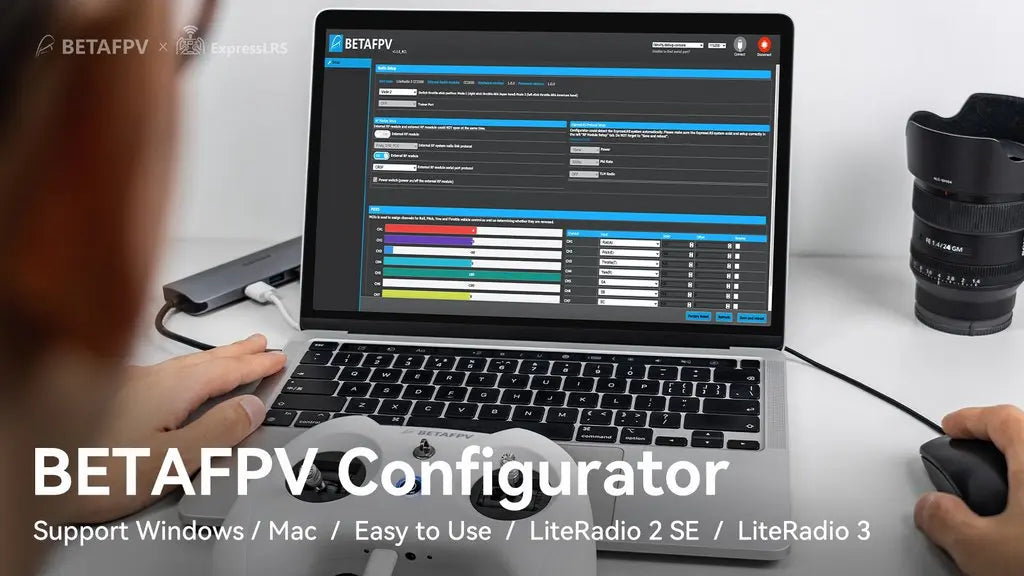
BETAFPV Configurator
BETAFPV Configurator is a utility designed to simplify updating, configuring, and tuning the radio transmitter.
Download address: https://github.com/BETAFPV/BETAFPV_Configurator/releases
The function of the BETAFPV Configurator is listed below.
Basic radio controller setup, like mode switch, turn on/off RF modules.
Full function of the ExpressLRS configuration, like outpower, packet rate, etc.
Channel mixer for fix wing drones.
Firmware update.
BETAFPV Configurator Support Windows Mac Easy to Use LiteRadio 2 SE Lite Radio 3 .
DO NOT power on the transmitter first and connect it to the PC. The USB port is invalid in this situation.
How to switch the protocol
Note: Switching internal protocol is only available for the Frsky version radio transmitter. ExpressLRS version can only switch to the external TX module.
To change protocols and TX module, here are the steps:
Power the radio transmitter off;
Press and hold the BIND button while powering the radio transmitter back on;
Then the flash color and times of the LED before buzzer alarms will change, according to the tables above.
The Frsky version could support 4 different internal protocols, including Frsky D16 FCC, Frsky D16 LBT, Frsky D8, and Futaba S-FHSS. The protocol is indicated by the flashing times of the LED when power on, before the buzzer alarms.
Frsky VersionLED StatusProtocol VersionRed Flash onceInternal Frsky D16 FCC (ACCST 1.X Version)Red Flash twiceInternal Frsky D16 LBT (ACCST 1.X Version)Red Flash Three TimesInternal Frsky D8Red Flash Four TimesInternal Futaba S-FHSSPurple Flash Three Times QuicklyInternal TX Module Off and Run External TX ModuleExpressLRS VersionLED StatusProtocol VersionRed Flash onceInternal ELRS
Purple Flash Three Times QuicklyInternal TX Module Off and Run External TX ModuleNote: LiteRadio 3 Frsky version only works with D16 ACCST 1.X Frsky protocol. So if you use a Frsky receiver with D16 ACCST 2.X version or ACCESS version, the binding will fail.
Diagram of LiteRadio 3
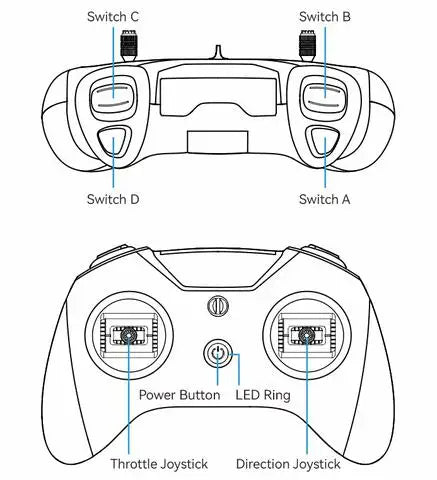
Switch C Switch B Switch D Switch A Power Button LED Ring Throttle Joystick Direction Joy
Recommended Parts
We highly recommend buying LiteRadio 3 Radio Transmitter with the parts listed below.
External TX Module: ELRS Nano TX Module
Store Case: BETAFPV Storage Case for LiteRadio
Strap: BETAFPV LiteRadio Transmitter Neck Strap
Gimbal: Nano Gimbal for LiteRadio 3
FAQ
Manual for LiteRadio 3 Radio Transmitter
How to replace the gimbals of the Literadio 3 transmitter?
For any questions about joystick calibration of the LiteRadio 3 transmitter, please watch the following video to know more. The instruction is the same for both LiteRadio 3 and LiteRadio 2 SE.
Package
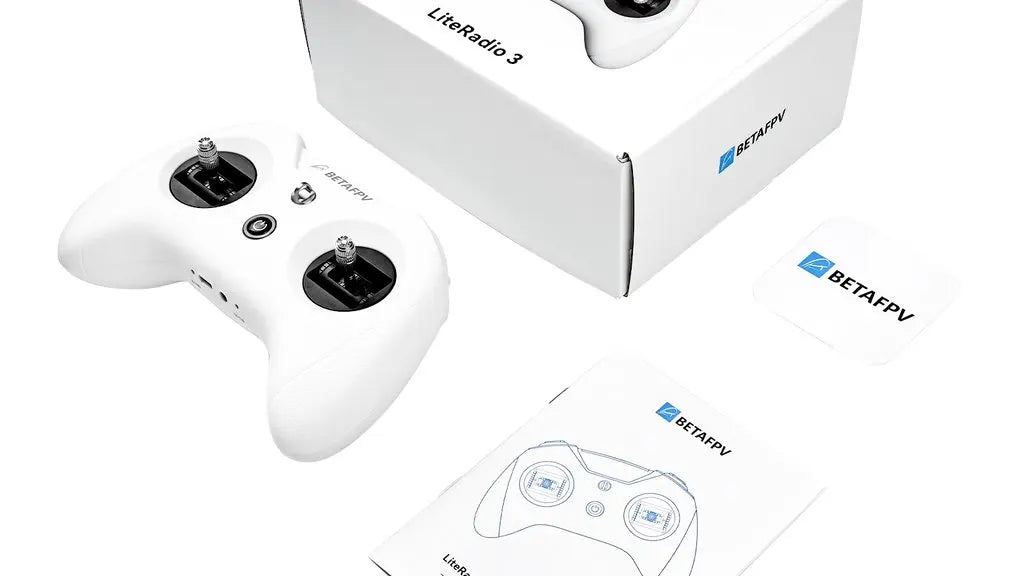
1 * LiteRadio 3 Radio Transmitter
1 * User Manual
-
Customer ReviewsNo comments